

AI Photo Enhancer: Look How You Want to Look
Virtual makeup, skin retouching, face reshaping, and instant AI enhancement — all in one app.


Free to download
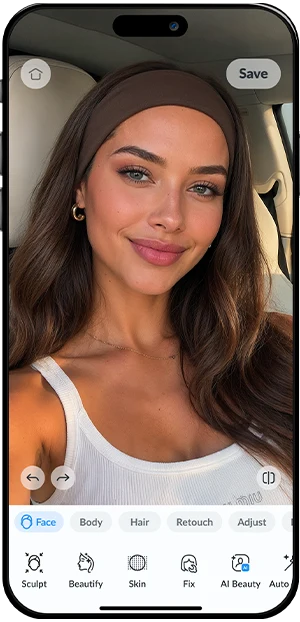
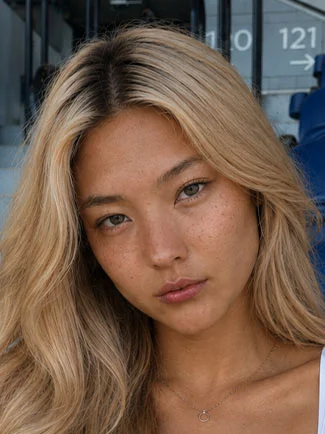
AI Photo Enhancer Results: See the Difference
Drag to reveal. Real photos, real results.


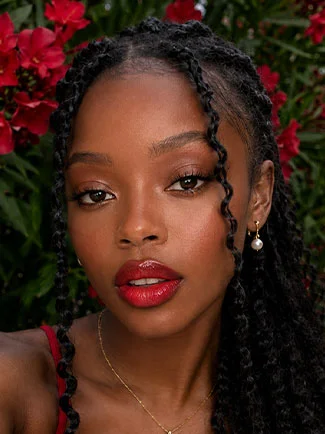
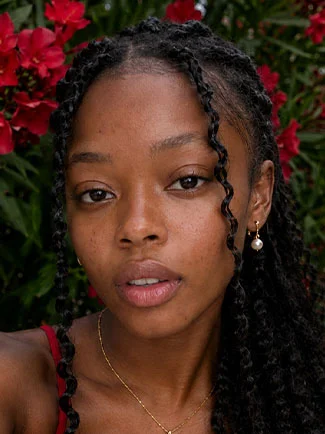
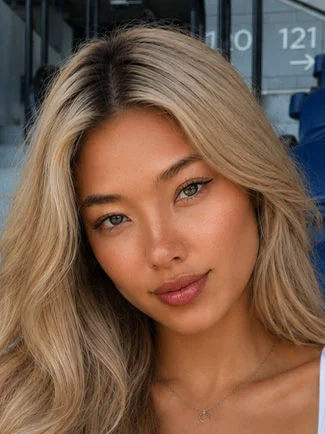
Face Editor Features: Everything You Need to Look Your Best
25+ powerful tools. One beautiful app.
Apply lipstick, eyeshadow, blush, and more — virtually try any look before you commit.
Remove blemishes, smooth skin, and erase imperfections. Your best skin, instantly.
Sculpt your silhouette, slim or tone — see how you'd look with subtle body adjustments.
AI scans your face and applies perfect adjustments in one tap. Instantly look your best.
Try any shade from platinum to jet black, instantly — no dye, no commitment.
Brighten, define, and make your eyes the center of attention in every photo.
Whiten and perfect your smile in seconds. Natural-looking results every time.
Create beautiful studio-style bokeh without a professional lens.
Sculpt and define — enhance your cheekbones, jawline, and facial structure naturally.
Add a radiant, lit-from-within glow that makes every photo look professionally lit.
Auto Enhancement
You instantly look better.
One tap.
AI-powered Auto Enhancement analyses your face and applies the perfect adjustments instantly.
Clear skin, no filter needed.
Remove blemishes, acne, and imperfections in seconds. Your skin, but on its best day.
Try every color before you commit.
Go blonde, brunette, or bold — try any hair color instantly without the salon.
Your photo. Perfect focus.
Blur the background to put all attention where it belongs — on you.
Facelab insights: tips, trends & more
Explore Our Blog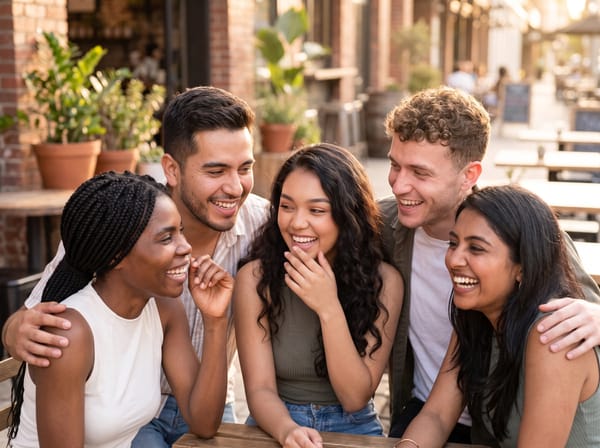
Editing Group Photos: How to Make Everyone Look Their Best
Someone looked away, someone blinked, someone hates their smile. Here's how to edit group photos naturally with Facelab so everyone looks great — without a reshoot.
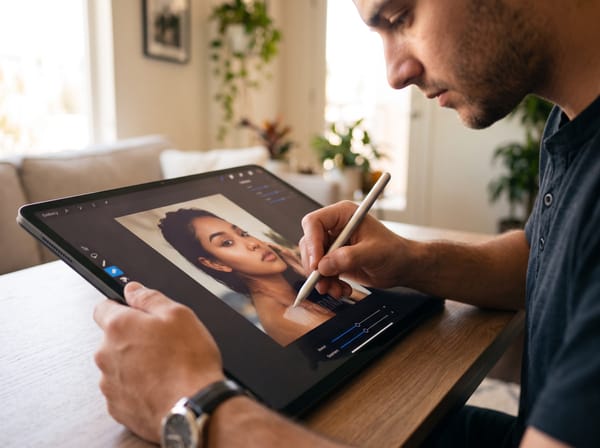
How to Remove Watermark from a Photo?
Unwanted texts, logos and watermarks make your photo look less professional. At Facelab you can clean your images with minimal effort — no editing experience required.
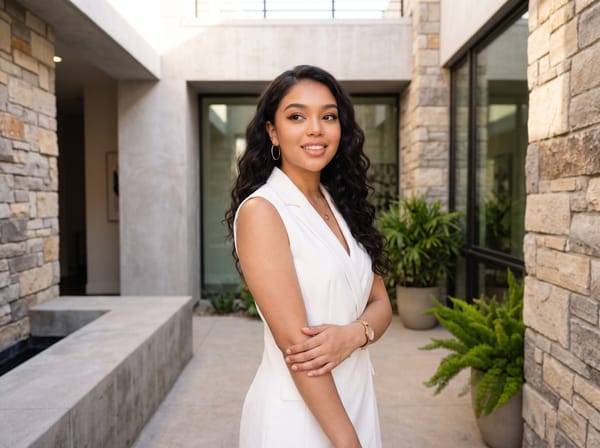
Poses to Make you Look Great in Your Photos
All the photos you see on Instagram are planned, even if they look effortless. Here are five popular poses and how to recreate them.
Loved by millions
Quick to try, hard to put down — real results that make people stop and say wow.


100M+ App Downloads.
Loved by millions.
Real people. Real transformations.
“I look at my photos now and actually feel good about myself. Haven't felt that way in years.”
“Tried it before a job interview shoot. The difference was unreal. Got the job.”
“Every photo I take looks like I actually tried. I didn't. That's the point.”
“My selfies used to embarrass me. Now I post everything. Total confidence boost.”
“Used this before every shoot for the past year. My clients can't tell the difference.”
“Downloaded it on a whim. Now I use it every single day before posting anything.”
“Wish I had this app years ago. It just makes me look like me, but better.”
“The hair color feature is insane — I changed my whole look in under a minute.”
“Showed my mom and she cried. Said I look like my best self.”
“My engagement rate tripled after I started using Facelab. No exaggeration.”
“One tap and I look like I slept 10 hours. Absolute magic.”
“The skin retouching is so natural — my friends think I just have great skin.”
Frequently Asked Questions
Everything you need to know about Facelab — the AI photo enhancer and face editor app.
What is Facelab and what can the AI photo enhancer do?
Facelab is an AI-powered photo enhancer and face editor app available on iOS and Android. It lets you retouch skin, remove blemishes, change hair color, apply virtual makeup, reshape facial features, blur backgrounds, and whiten teeth — all with a single tap. The AI analyzes your photo automatically, so no manual selection or design skills are needed.
Is Facelab free to download?
Yes, Facelab is free to download on the App Store (iOS) and Google Play (Android). Core AI enhancement features are available for free, with optional premium tools for advanced retouching, professional filters, and high-resolution exports.
How does the AI face editor differ from basic photo filters?
Unlike static filters that change the whole image uniformly, Facelab's AI face editor detects your face, eyes, skin, and hair individually and applies targeted enhancements. The result looks natural — like you on your best day — rather than filtered. Each adjustment is guided by AI trained on millions of portraits.
Can I use Facelab to change my hair color in a photo?
Yes. The hair color tool uses AI to accurately detect and recolor hair without affecting the surrounding skin or background. You can try blonde, brunette, red, or vibrant colors before committing to a real change — fully realistic previews in seconds.
Does Facelab work on group photos and selfies?
Facelab works on both selfies and group photos. The AI detects multiple faces in a single image and lets you apply enhancements to each person individually, so you can retouch one face without affecting others.
Is Facelab available on Android and iPhone?
Yes, Facelab is available on both iOS (iPhone and iPad) via the App Store, and Android via Google Play. Both versions receive regular updates with new AI tools and features. Facelab has earned Editor's Choice badges on both platforms.
Try Facelab Now!
Virtual makeup, skin retouching, and AI enhancement — free to try right now.
Free to download · No commitment required